You must be aware that Microsoft has just launched SharePoint 2013 preview one day ago. In this post I will discuss about how to install SharePoint Server 2013 Preview and at last we will create new site collection as well.
Step – 1:
Make sure that your system meets all minimum criteria for SharePoint Server 2013 system requirements :
http://technet.microsoft.com/en-us/library/cc262485%28office.15%29.aspx
Step – 2 :
Now start with getting SharePoint 2013 Server Preview. Download link http://www.microsoft.com/en-us/download/details.aspx?id=30345 , you should get product key in you email.
Step – 3 :
Run the setup file and install all prerequisite softwares.

step 4:
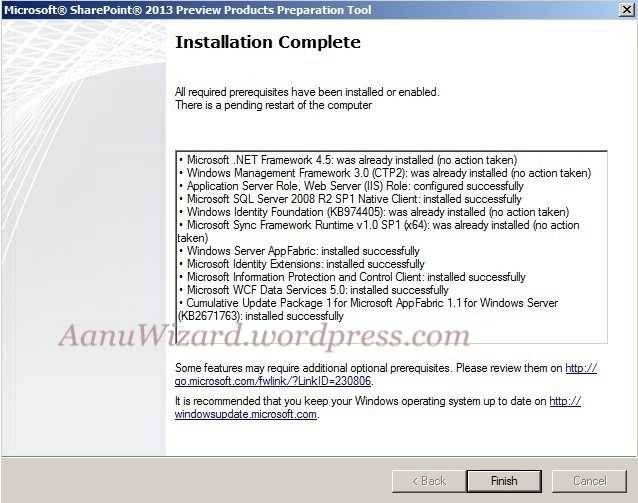
Once all prerequisite installer finished you should see following screen similar to below image
Step – 5:
Now start installing SharePoint 2013 Server Preview. Provide the product key from your email.

Leave the file location as default and click Install Now.


This will take a while so grab your tea or coffee now 🙂
step – 6:
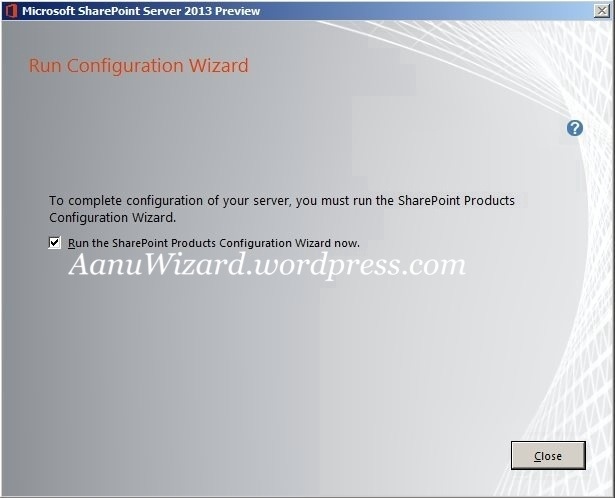
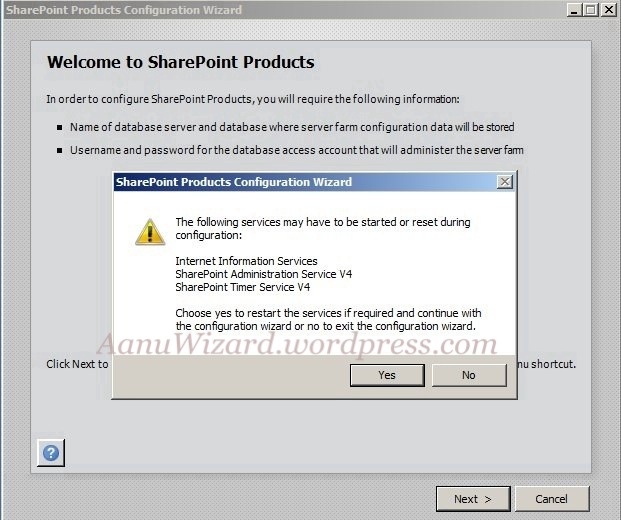
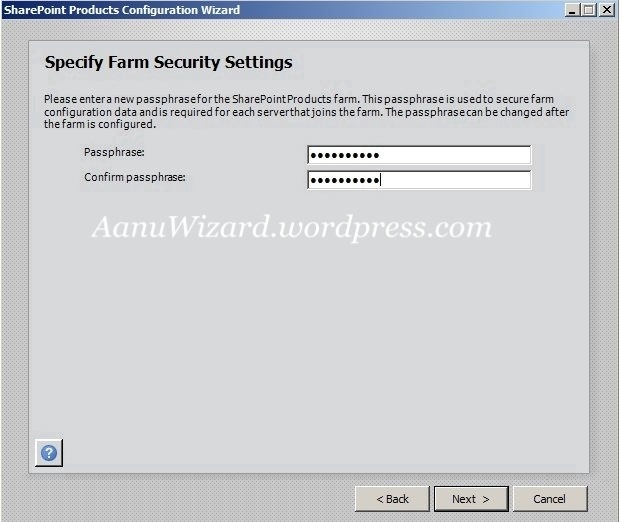
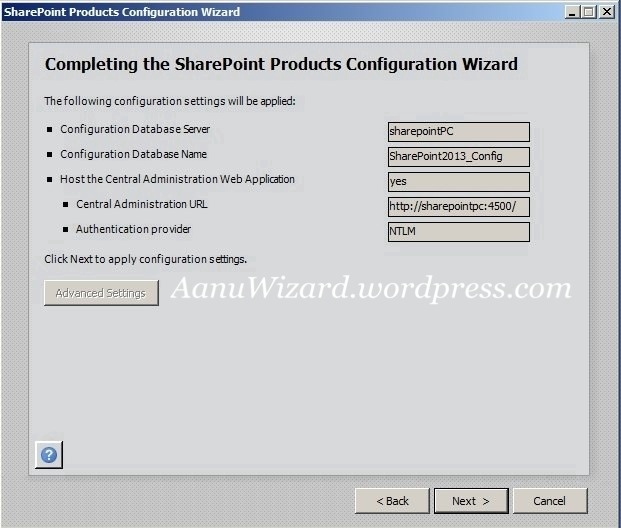
SharePoint Configuration Wizard





Step – 7:
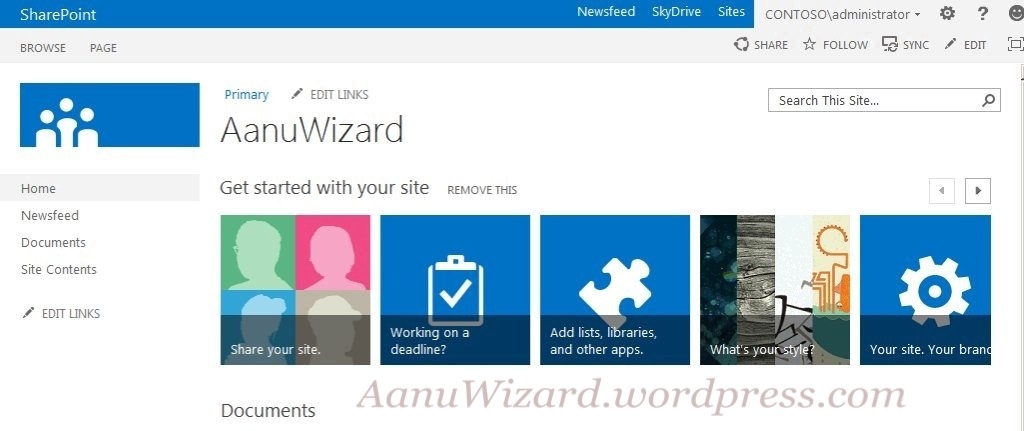
Once SharePoint Configuration finished it will open central administration



Our first site collection is ready to use now…
Hope that helps..!!
 aanuwizard.com