Follow the link below to install SharePoint 2010:
You may find this video useful as well if you are installing SharePoint 2010 on Windows 7.
If you have got any error while installing; it is most likely because of you might have missed some prerequisite. So read the msdn article properly and let me know if you need any help.
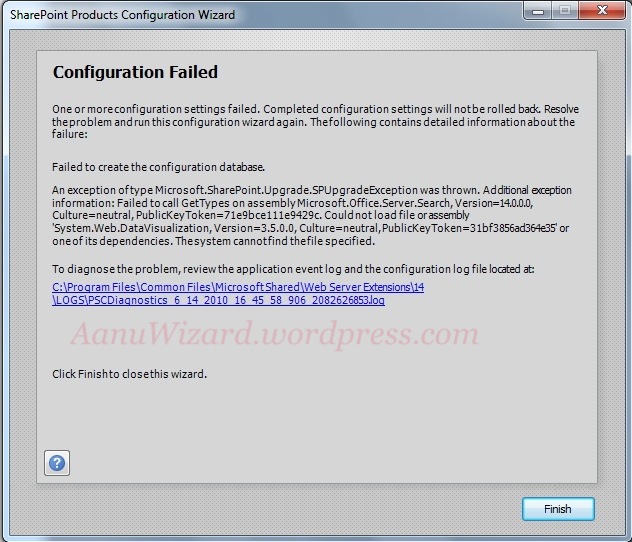
If you got above error then you have not installed .net framework 3.5 which is mentioned for prerequisite for SharePoint 2010.
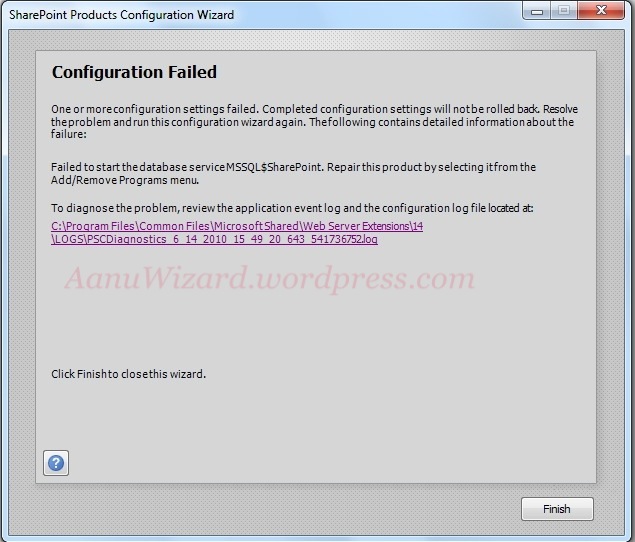
If you got above error then the MSSQL$SharePoint database service has not been created so to resolve this you could try repair option.
Go to control panel -> add/remove program -> choose SharePoint -> right-click and select Repair.
For them who want to use local administrator account for central administration
During initial installation you will need to use domain administrator account: like domain\UserLoginnameHappy Installing 🙂
 aanuwizard.com